Tools and Software That Simplify Daily Cash Tracking

Daily cash tracking answers a simple question: how much money is actually available to spend today? Profit reports and monthly summaries cannot answer that question because they focus on totals, not timing.
Small business owners, freelancers, and operations managers often check bank balances multiple times a day. With cash flow management software, transactions are collected automatically and organized into a usable cash view, replacing manual balance checks.
Good cash tracking software does three things. They show the current balance, capture expenses quickly, and make upcoming payments visible.
Accounting Software with Cash Tracking
Accounting software forms the base of most daily cash tracking systems. After connecting a business bank account, transactions begin importing automatically. This creates a continuously updated record of deposits and payments.
A well-configured dashboard surfaces the transactions that matter most: bank balances, uncategorized entries, and recent expenses. Daily review keeps records accurate and reconciliation smooth.
The table below shows how accounting features support daily monitoring.
| Feature | Why It Matters for Daily Cash |
| Bank feeds | Import transactions without manual entry |
| Expense categories | Identify spending patterns quickly |
| Invoice tracking | Show expected incoming cash |
| Reconciliation tools | Keep balances accurate |
For example, when supplier payments are recorded the same day they clear the bank, the cash balance in accounting software matches the actual bank balance. That alignment is the foundation of reliable tracking.
Accounting software shows current liquidity clearly. Businesses that need to anticipate short-term cash changes often add forecasting tools.
Cash Flow–Focused Platforms
Cash flow platforms extend daily tracking by projecting balances into future days or weeks. They combine current bank balances with scheduled payments and expected receivables.
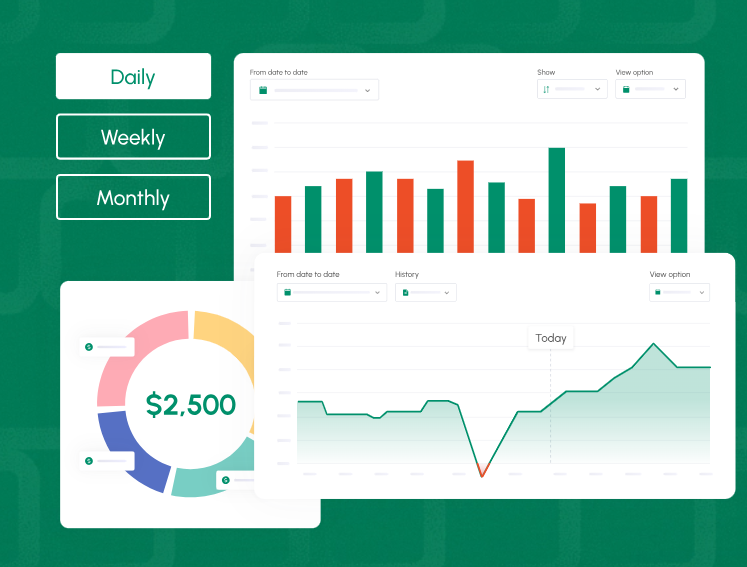
Consider a business that runs payroll every second Friday while customer payments arrive irregularly. A cash tracking software shows when those two timelines overlap.
| Week | Starting Cash | Inflows | Outflows | Ending Cash |
| Week 1 | $30,000 | $8,000 | $6,000 | $32,000 |
| Week 2 | $32,000 | $5,000 | $18,000 | $19,000 |
| Week 3 | $19,000 | $14,000 | $7,000 | $26,000 |
Week two reveals a temporary drop caused by payroll. Seeing that number early gives time to delay a purchase or collect overdue invoices.
These tools are useful when businesses have recurring payroll, supplier contracts, loan payments, or tax schedules. They connect daily tracking to short-term planning.
Expense and Receipt Management Tools
Expense capture directly affects daily cash accuracy. When receipts sit in wallets or email inboxes, cash records fall behind.
Receipt management apps solve this by converting a photo into a recorded expense within seconds. Optical character recognition reads the amount, date, and vendor name. The transaction is then categorized automatically.
This is particularly useful for companies with traveling staff, field technicians, or managers making frequent purchases.
Recording expenses immediately improves two things:
- The daily cash balance reflects real spending
- Month-end reconciliation becomes faster
Even small purchases matter. Several unrecorded fuel or supply transactions can distort the daily balance enough to affect decisions.

Bank and Payment Integrations
Bank connections keep daily tracking current without manual imports. Payment integrations ensure incoming cash appears quickly in financial dashboards.
With bank and payment integrations in place, financial dashboards reflect actual cash activity throughout the day. Deposits, transfers, and customer payments appear automatically, supporting accurate daily tracking.
The difference between manual tracking and automated syncing becomes clear in daily operations.
| Method | Update Frequency | Error Risk |
| Manual entry | Irregular | High |
| CSV imports | Daily | Medium |
| Direct integrations | Multiple times per day | Low |
When integrations work reliably, daily tracking becomes routine. Owners can confirm balances quickly without rebuilding records.
Spreadsheets and Templates
Spreadsheets remain useful for businesses with low transaction volume. A daily cash sheet can track activity with only a few columns.
| Date | Opening Balance | Cash In | Cash Out | Closing Balance |
| Feb 3 | $12,000 | $2,500 | $1,200 | $13,300 |
| Feb 4 | $13,300 | $1,800 | $900 | $14,200 |
A running balance formula keeps totals accurate. Conditional formatting can highlight balances below a chosen safety threshold.
Businesses often move from spreadsheets to automated tools once daily transactions increase or multiple accounts need tracking.
AI and Automation Add-Ons
AI and automation tools help keep daily cash records updated without requiring constant manual sorting of transactions. Once transaction rules are configured, the system can recognize repeating payments and apply the correct categories automatically.
For instance, monthly utility charges, software subscriptions, and loan payments can be categorized as soon as they appear in the bank feed. Some systems also scan for duplicate expenses and flag them before they affect the cash balance.
Conclusion
When cash balances are visible every day, financial decisions become more predictable. Accounting software like Cash Flow Frog, along with connected tools that capture transactions, expenses, and incoming payments, helps maintain an accurate and up-to-date cash position.
Which tools help you stay on top of daily cash balances? Share the method that worked for you in the comments.