Unlock an iPhone in Lost Mode Without the Passcode? Here’s the Truth
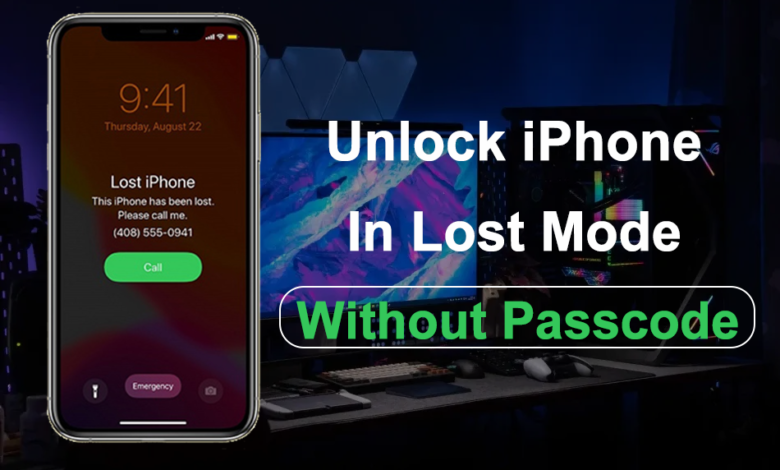
If you’re searching for “can someone unlock my iPhone in Lost Mode without passcode”, you’re probably in one of two situations: either you’ve lost access to your own device, or you bought a second-hand iPhone that’s now locked.
Lost Mode is designed to protect users, but when you’re locked out yourself, it can feel frustrating. In this guide, we’ll break down what’s actually possible, what isn’t, and what legitimate options you have to regain access safely using tool like MagFone iPhone Unlocker.
What Occurs After an iPhone Is Placed in Lost Mode?
Lost Mode is part of Apple’s Find My feature. Once activated, it:
- Locks the device with a passcode
- Disables notifications and Apple Pay
- Displays a custom message on the screen
- Prevents normal access until unlocked
Most importantly, the device remains tied to the Apple ID that enabled Lost Mode. This connection is what makes bypassing it difficult.
So, Can Someone Unlock My iPhone in Lost Mode Without Passcode?
In most cases, no. If the device is still linked to an Apple ID and Lost Mode is active, it cannot be unlocked without the correct screen passcode, or the Apple ID and password used to enable it.
This security system exists to prevent theft. If unlocking were easy, Lost Mode would be meaningless. However, there are different scenarios, and the solution depends on your specific case.
Scenario 1: It’s Your iPhone and You Forgot the Passcode
If you enabled Lost Mode yourself and simply forgot the passcode, the situation is recoverable, provided you still have access to your Apple ID.
Log in to iCloud.com from another device. Open Find My, and select your iPhone. Turn off Lost Mode. If you can sign in successfully, you can regain control.
But what if you forgot both the screen passcode and Apple ID password? That’s when things become more complicated.
Scenario 2: You Bought a Used iPhone in Lost Mode
If you purchased a second-hand device and it’s stuck in Lost Mode, only the original owner can remove it by signing into their account and deleting the device from Find My. Without that cooperation, your only official option is to contact Apple Support with valid proof of purchase, or use the iPhone Unlocker software like MagFone.
If the device is reported stolen or blacklisted, it cannot legally be unlocked.
Are Online Unlock Services Legitimate?
You may see websites claiming they can unlock an iPhone in Lost Mode using IMEI numbers or remote services. Be cautious! Many of these services offer no guarantee, request upfront payment, do not provide refunds, and may expose your personal data. If the device is still tied to another Apple ID, bypassing it without authorization is not legitimate.
What If You’re Locked Out Due to Screen Lock Issues?
Here’s an important distinction. If Lost Mode is not tied to a stolen or blacklisted device, and you are the rightful owner, sometimes the real issue is the screen lock itself. For example:
- You forgot the passcode
- The iPhone is disabled after too many attempts
- The screen is broken and you can’t enter the passcode
- The device is stuck on the lock screen
In these cases, the solution is not about hacking Lost Mode, it’s about removing the screen lock properly and resetting the device.
A Practical Option for Legitimate Owners
For users who legally own their device but can’t access it due to passcode problems, MagFone iPhone Unlocker offers a straightforward approach. It’s designed for situations such as disabled iPhone, bypass iCloud activation lock, Apple ID removal (in supported cases), Screen Time restrictions, and remove MDM from iPad/iPhone. The software focuses on helping users regain access to their own devices without complicated manual processes.
How MagFone iPhone Unlocker Works
The process is structured and guided.
Step 1: Launch the MagFone software and select the appropriate unlock mode such as Remove iCloud Activation Lock.
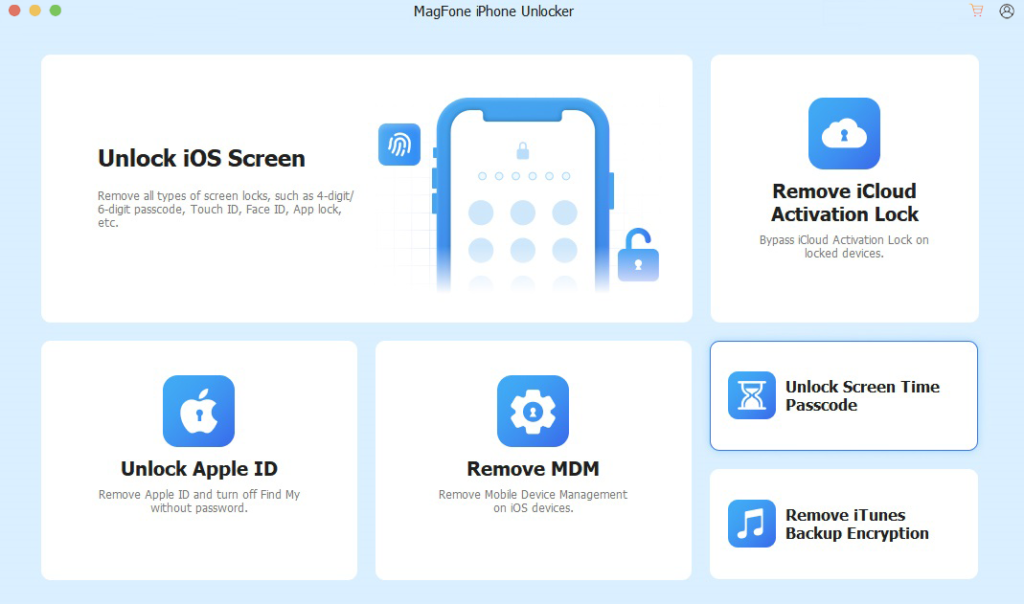
Step 2: The program provides clear on-screen instructions to jailbreak iOS.
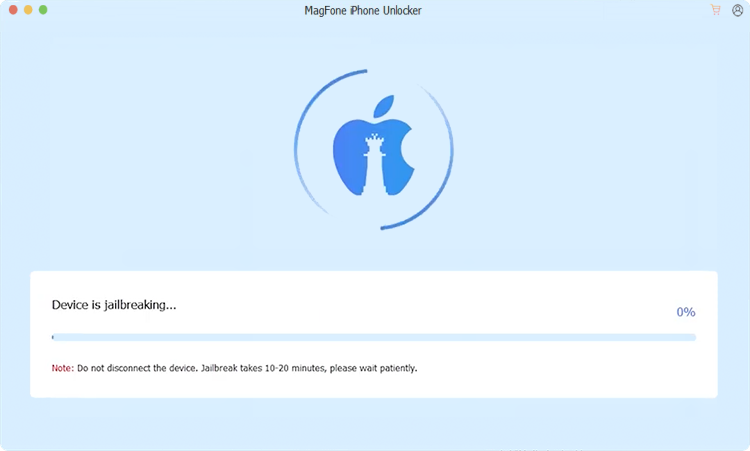
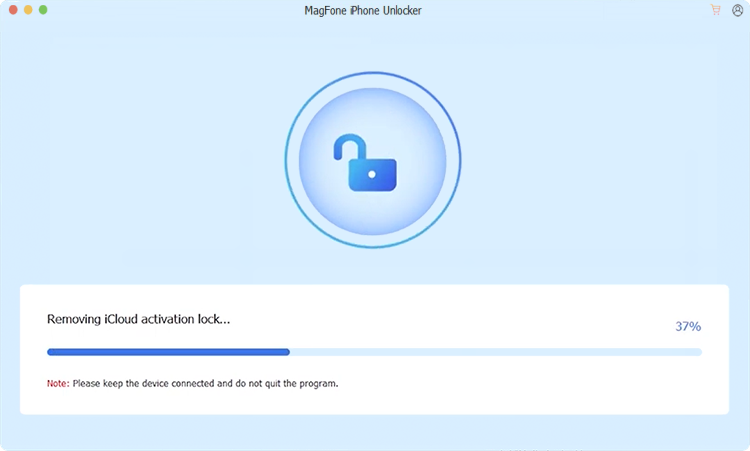
Step 3: Click Start remove button, the MagFone program will start to bypass iCloud activation lock on your iPhone. Once completed, you can set up your iPhone again and sign in with your own Apple ID in Apple Store.
Important Clarification
No software can legally unlock a stolen iPhone or bypass Activation Lock tied to someone else’s Apple ID without authorization. If your iPhone is in Lost Mode because it was reported stolen, the correct path is to contact Apple or the original account holder.
MagFone iPhone Unlocker is intended for rightful owners who are locked out of their own devices due to forgotten credentials or system lock issues.
How to Avoid This Problem in the Future
To prevent future lockouts, steps as below can save you from major frustration later.
- Always remember your Apple ID login details
- Enable two-factor authentication
- Turn off Find My before selling your device
- Reset your iPhone in front of the buyer when selling
- Avoid buying used devices that are still signed in
Final Answer
So, can someone unlock your iPhone in Lost Mode without passcode? If it’s still connected to an Apple ID you don’t control, no. That protection is intentional. If you are the legitimate owner and the issue is a forgotten passcode or disabled device, there are safe and structured solutions available.
For many users in that situation, MagFone iPhone Unlocker provides a practical way to remove the lock and bypass iCloud activation lock without unnecessary technical complexity. The key is understanding your specific case and choosing a method that protects both your data and your device’s security.
READ ALSO: iPhone 16 Phone Sizes: A Complete Guide to Apple’s 2025 Lineup