The Consistency Problem in AI Video: One Platform’s Answer to the Industry’s Biggest Frustration
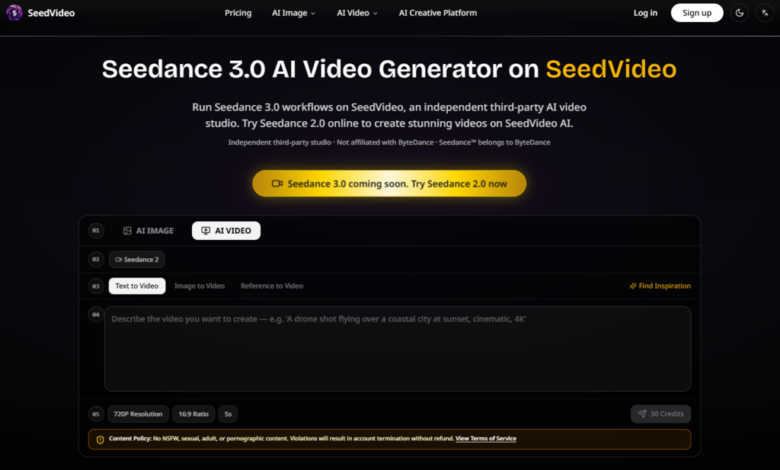
For anyone who has spent serious time with AI video generators, the pattern is painfully familiar. You craft a detailed prompt, wait through the generation process, and receive something that vaguely resembles your vision—except the character’s face changed halfway through, the background warped between frames, and the lighting shifted from golden hour to fluorescent office. Consistency has been the Achilles’ heel of AI video since the beginning. Text-to-video models can produce stunning single shots, but ask them to maintain a character’s appearance across multiple generations or keep a scene’s visual language coherent, and they fall apart. This is not a niche complaint; it is the single biggest reason creative professionals have hesitated to integrate AI video into their actual workflows. The gap between a impressive demo and a usable tool has been wide enough to drive a truck through.
That gap is exactly what Seedance 3.0 appears designed to address. The platform does not just generate video—it gives you the tools to keep your characters, scenes, and styles locked in across generations. The difference becomes apparent the moment you start working with it, not because the outputs are flawless every time, but because the system is built around the assumption that you will need to iterate, extend, and refine without losing your creative thread.
Why Consistency Matters More Than Raw Quality
The AI video space has spent the past two years obsessed with resolution, motion smoothness, and realism. Those things matter, of course. But for anyone actually making content—whether it is a social media series, a marketing campaign, or a film pre-visualization—consistency is what separates a one-off experiment from a repeatable production process. If you cannot rely on a character looking the same from one clip to the next, you cannot tell a serialized story. If the visual style drifts between scenes, you cannot build a brand identity. If the model forgets what a setting looks like between generations, you are constantly reinventing the wheel.
The platform tackles this problem by shifting the emphasis from prompt engineering to reference engineering. Instead of trying to describe every visual detail in text, you upload actual visual materials that serve as anchors for the model. This approach fundamentally changes the nature of the task. You are no longer asking the AI to imagine what something looks like from a description—you are showing it, and then asking it to generate new footage that stays true to what you showed.
How the Platform Locks in Visual Identity
Character Consistency Through Image References
The most immediately useful feature is the ability to upload a character reference image and have the model maintain that character’s appearance across multiple generations. In practical testing, this works better than any text-based approach I have tried. Describe a character’s face in words, and the model will interpret that description differently each time. Show it a photograph, and it has a concrete target to match. The results are not perfect—lighting and expression can vary—but the underlying facial structure, hair, and clothing remain recognizably the same person from one generation to the next.
This is particularly valuable for anyone producing serialized content. If you are making a five-part social media series with a recurring host or character, you can upload a single reference image at the start of the project and reuse it across every generation. The model appears to treat that reference as a fixed point, which dramatically reduces the variability that plagues text-only workflows.
Scene and Style Preservation
Beyond characters, the platform also supports scene and style references. Upload a reference image of a location, and the model will maintain that environment’s visual characteristics—the color palette, the lighting direction, the architectural details. Upload a reference video with a specific visual style, and the model will attempt to replicate that aesthetic in new generations. This is not a simple filter; it is a deeper form of visual learning that influences how the model renders textures, shadows, and composition.
In my experience, the style preservation works best when the reference material is visually distinct. A reference video with a strong, recognizable aesthetic—say, a particular color grading or a specific lens characteristic—produces more consistent results than a generic, neutral reference. The model seems to latch onto prominent visual features and use them as guiding principles for subsequent generations.
The @ Referencing System: A Practical Tool for Precision
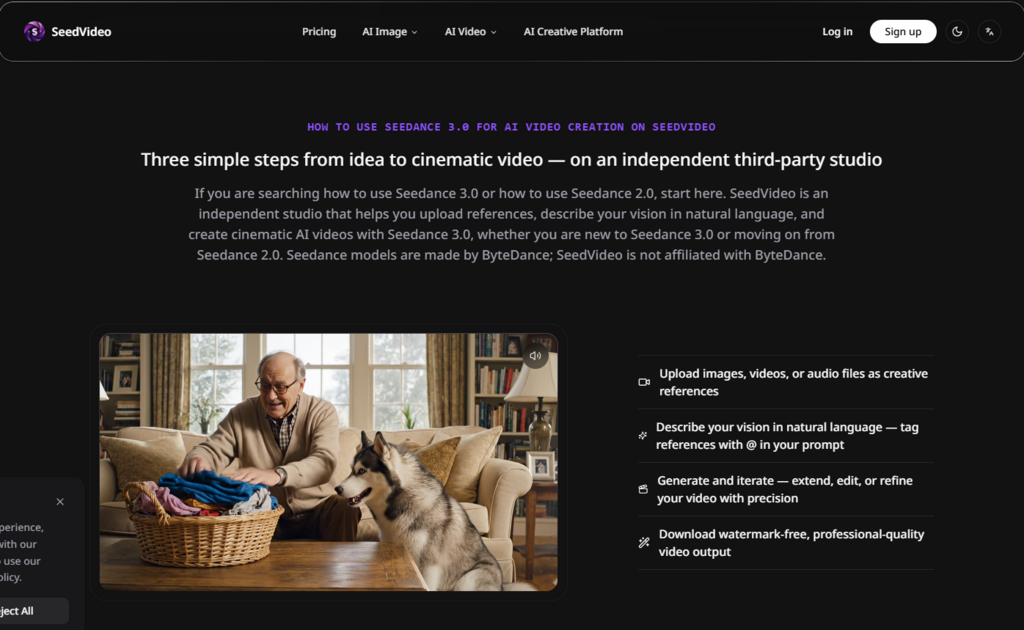
The referencing system deserves special attention because it is where the platform’s design philosophy becomes most apparent. By using the @ symbol in your prompt, you can directly reference specific uploaded assets. This is not a gimmick; it is a practical solution to the ambiguity that has haunted AI video from the start. When you write “@image1 walks through a futuristic market,” the model knows exactly which character you mean. When you write “camera movement similar to @video2,” it knows exactly which motion pattern to replicate.
This system reduces the guesswork on both sides. You spend less time trying to craft the perfect descriptive prompt, and the model spends less time interpreting vague instructions. The result is a faster, more reliable creative process. It does not eliminate the need for careful prompt writing, but it shifts the focus from describing visual elements to directing action within a known visual framework.
Extending and Editing Without Losing the Thread
One of the more underappreciated aspects of the platform is how it handles video extension and editing. Once you have generated a clip, you are not locked into that output. You can extend it—adding more footage that continues the action or develops the scene—and the model will maintain the same characters, style, and visual continuity. You can also edit specific segments, which is useful for fixing small issues without regenerating the entire clip.
This capability is where the consistency features really pay off. In a traditional text-to-video workflow, extending a clip often means starting from scratch and hoping the new generation matches the old one. Here, because the model has a clear reference point, the extension process feels more like continuing a conversation than starting a new one. The results may vary, and you may need to regenerate a few times to get the extension right, but the overall process is significantly more coherent.
Style Transfer and Visual Exploration
The platform also includes a style transfer feature that applies artistic styles to your generated videos. With over 100 styles available—ranging from studio Ghibli-inspired aesthetics to oil painting and anime—this opens up creative possibilities that would be difficult to achieve through prompts alone. The style transfer is applied after generation, which means you can generate a base video and then experiment with different stylistic treatments without regenerating the underlying footage.
This is useful for exploration. If you are not sure which visual direction to take, you can generate a single base video and apply multiple styles to see which one fits your project best. The results are not always consistent—some styles work better with certain types of content than others—but the ability to experiment quickly is valuable.
Who Benefits Most from This Approach?
Series Creators and Serialized Content
For anyone producing content with recurring characters or settings, the platform’s consistency features are a major advantage. You can establish a visual identity at the start of a project and maintain it across multiple episodes or installments. This is particularly relevant for social media creators who produce regular content and need their videos to feel like part of a cohesive whole.
Brand and Marketing Teams
Marketing teams will appreciate the ability to maintain brand identity across video assets. If you have a specific product visual or a brand color palette, you can upload references and generate variations that stay within those parameters. The platform does not replace the need for human creative direction, but it does reduce the friction of generating multiple on-brand variations.
Independent Filmmakers and Pre-Visualization
For filmmakers using AI for pre-visualization, the platform offers a way to test camera movements, lighting setups, and scene compositions with a degree of consistency that most tools cannot match. You can upload reference footage from existing films, replicate those camera moves in new scenes, and build a visual library that informs your production decisions.
A Quick Look at the Trade-Offs
| Aspect | Reference-Based Approach | Text-Only Approach |
| Character Consistency | Strong, with clear visual anchors | Weak, often varies between generations |
| Style Control | Precise, using visual references | Vague, dependent on prompt quality |
| Iteration Speed | Faster, with clear creative direction | Slower, due to inconsistent outputs |
| Learning Curve | Requires reference preparation | Requires prompt engineering skill |
| Best For | Serialized content, brand work | Exploratory, one-off concepts |
Where the Approach Has Limits
The reference-based workflow is powerful, but it is not a magic bullet. The most significant limitation is that your output quality depends heavily on your reference quality. A low-resolution character photo will produce a low-resolution character in your video. A poorly lit reference scene will produce poorly lit outputs. The model is a creative partner, not a miracle worker, and it needs good material to work with.
Another limitation is that the consistency is not absolute. Even with strong references, you may see some variation between generations—a slightly different expression, a minor change in clothing detail, a shift in background elements. The model maintains the core visual identity, but the finer details can drift. For most practical purposes, this is acceptable, but if you need pixel-perfect consistency, you may need to generate multiple options and select the best one.
Complex scenes with multiple characters or rapid motion can also challenge the consistency features. The model handles these scenarios with varying degrees of success, and you may need to simplify your compositions or break them into smaller pieces to get reliable results.
A Practical Tool for Real Workflows
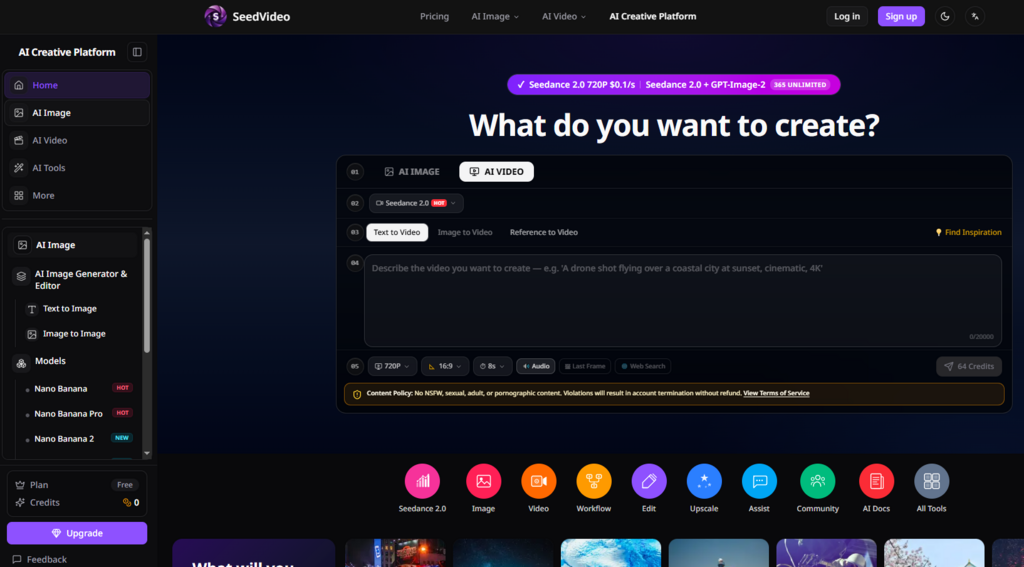
The platform does not pretend to be a turnkey solution for professional video production. It is a tool that fits into a broader creative workflow, offering specific capabilities that address specific problems. The consistency features are its strongest selling point, and they work well enough to make a real difference for creators who need reliable, repeatable results. It is not the easiest tool to pick up—you need to think about your references and be deliberate about your inputs—but for the right use cases, the payoff is substantial.
Seedance 3.0 AI Video Generator represents a thoughtful response to one of AI video’s most persistent problems. It does not solve everything, and it does not pretend to. But it does offer a practical way to keep your creative vision intact across multiple generations, which is more than most tools in this space can claim.