How Retailers Can Fix Inventory Mismatches Between Online Stores and Physical Shops
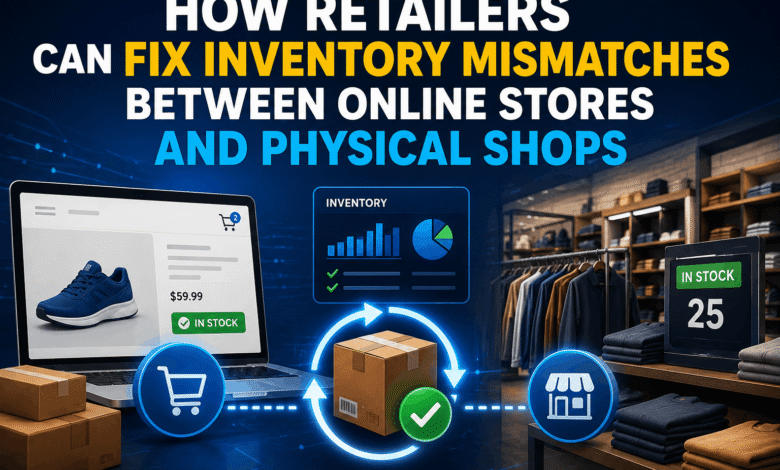
Shoppers are losing confidence when they order something online, go to the store, and find that no useable products are in stock there. Sometimes inventories differ on the Internet, on the store shelves, in the warehouse, and in the order reservations.
Why Inventory Mismatches Happen Between Sales Channels
Retail stock data breaks when each system treats quantity differently. A POS may show what was sold in store, an e-commerce platform may show what is available online, and a warehouse system may show what has arrived but has not reached shelves.
Retailers exploring https://brainence.com/custom-retail-software-development/ for inventory work need to define the business rules before writing code, because SKU sync, order holds, returns, transfers, and staff edits all affect the same quantity.
POS Updates
POS systems record store sales, refunds, exchanges, and manual stock adjustments. When the POS sends updates to the online store in batches, the website may display stock that was already sold in a physical location.
Channel Reservations
Online orders need stock reservations as soon as payment or order confirmation happens. Inventory can be separated into states such as on hand, available, committed, unavailable, and incoming, which shows why a single number is not enough for omnichannel fulfilment.
A click-and-collect order needs to move units from available to committed before another channel sells the same SKU. Without that reservation step, the store team sees the conflict only after picking starts.
Operational Damage From Bad Stock Data
Inaccurate stock data affects store labour, support tickets, stock transfers, cancellation rates, and the accuracy of demand reports.
Canceled Orders
Cancelled orders damage the customer journey because the purchase already felt complete. The shopper selected the product, paid, and expected collection or delivery. Each cancellation creates extra work for support and store staff.
Failed Click-and-Collect
Click-and-collect depends on accurate store-level availability. If the online store treats warehouse stock and shop stock as the same pool, the pickup promise becomes unreliable. A better setup separates the warehouse, store floor, back room, damaged items, and reserved stock.
Staff Workarounds
Staff create workarounds when systems do not match reality. They message other branches, edit spreadsheets, hide products manually, or call customers before every pickup order.
These workarounds create new operational risks:
- Spreadsheet edits bypass the approved stock record.
- Verbal holds disappear between staff shifts.
- Manual SKU changes leave no audit trail.
Software Fixes for Inventory Visibility
Software fixes work when they connect systems around one stock model. The goal is to make the POS, warehouse, website, ERP, and staff tools read the same product status.
Inventory States
A SKU can be physically present while unavailable for sale because it is damaged, reserved, in quality control, or assigned to an existing order.
The table shows stock states that help teams avoid false availability:
| Stock State | System Meaning | Store Impact |
| Available | Sellable units by location | Website shows purchasable stock |
| Committed | Units attached to orders | Staff pick before new sale |
| Unavailable | Held, damaged, or blocked stock | Website hides unavailable units |
| Incoming | Transfer or purchase order stock | Staff plan replenishment timing |
Inventory APIs
Inventory APIs help systems exchange stock changes without manual exports. Retail platforms need separate data flows for store sales, offline POS activity, online orders, warehouse updates, and ERP records, because each channel creates inventory events at a different point in the customer journey.
A retailer may send POS sales, warehouse receipts, web orders, returns, and transfer updates through APIs. Each event needs a timestamp, SKU, location, quantity change, and order reference.
Barcode Scanning
Barcode scanning reduces wrong-SKU updates during receiving, cycle counts, shelf checks, and store picking. Square notes that retailers using barcode tracking can connect scanners to Square hardware so cashiers ring items without scrolling through an item library.
A barcode process needs specific controls before it reaches daily store work:
- SKU labels match the product master.
- Scanners connect to approved POS devices.
- Count corrections require staff identification.
- Damaged stock moves into unavailable status.
ERP Integration
ERP integration connects inventory with purchasing, finance, supplier orders, and warehouse planning. When the ERP receives accurate sales and return data, replenishment decisions reflect real demand instead of fragmented channel records.
The ERP also gives leadership a cleaner view of stock by location. Store managers see what is sellable, buyers see what needs replenishment, and finance sees how stock movement connects to reporting.
A Better Operating Model for Retail Stock

Cross-channel inventory accuracy requires a single, shared record across all platforms—including POS, warehouse management, ERP, and e-commerce. All stock movements (from manual adjustments and customer returns to SKU syncs and transfers) must follow a centralised logic. Operationally, this is sustained by integrating APIs for instant updates, utilising barcode scanners to cut down human error, restricting system access based on roles, and tracking every change through an audit trail.