Personal Data Protection: 7 Habits Every Internet User Should Follow
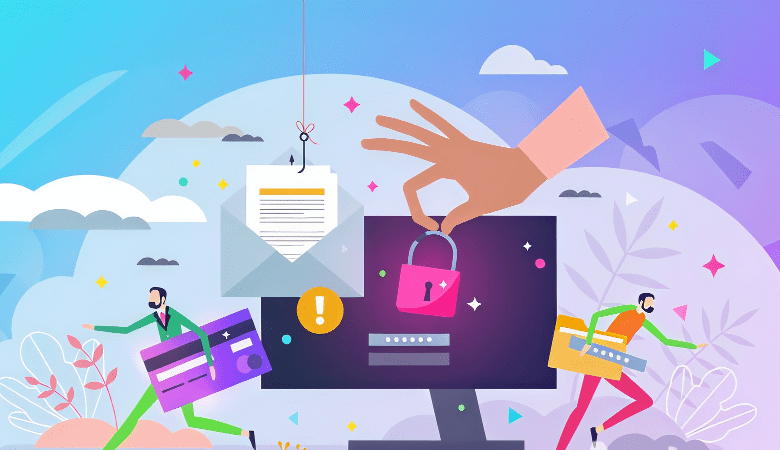
Personal data has become one of the most valuable assets in the digital world. Phone numbers, email addresses, and account information are used not only by companies for marketing, but also by cybercriminals for fraudulent activities.
In response to these threats, users are increasingly turning to additional security tools, including GetTempNumber, and are paying closer attention to the information they share online. This approach helps significantly reduce the risk of experiencing the consequences of a data breach.
But what else can be done to protect personal data online?
Who Needs Personal Information and Why?
Fraudsters use personal data not only to identify individuals but also for fraud. Inadequate protection of personal data can lead to information leaks and expose users to criminal activity. Personal information is most commonly used for:
- identity theft and impersonation to commit fraudulent activities. Using stolen personal data, they can create fake social media accounts or carry out fraudulent transactions;
- obtaining financial information: credit card numbers, digital wallets, gaming account data. Accessing funds, knowledge of personal data is required;
- deleting or manipulating personal data. The destruction or alteration of users’ information can disrupt services, and the stolen data may be used for criminal purposes.
It’s not just intruders who use personal data. Digital marketers actively collect user information to deliver targeted advertising to specific audience segments. The main source of information for this type of advertising is cookies, which are transmitted by the user’s browser to the advertising and analytics servers.
7 Ways to Protect Your Personal Data
#1 Create a Separate Email Address for Services and Applications
Email is required for registration in almost all services. If attackers gain access to your email address, attackers can attempt to compromise linked social media accounts that are linked to it, and send spam to your contacts, solicit money, leave misleading comments, or post prohibited information. It is more reliable to have multiple email addresses. For example, important social media accounts can be linked to one, another can be used for personal correspondence, and the third can be used for websites and services that may generate spam.
#2 Use a Second Phone Number
Just like a separate email, the main phone number can be used for personal calls and registration in social networks and important services, for example, in banking applications. A secondary number, such as a temporary or virtual number from GetTempNumber can be used for deliveries, surveys, and registrations on platforms that do not involve sensitive financial or personal information.
#3 Avoid Sharing Personal Information in Public Places
Do not post scans or photos of documents, phone numbers, or other sensitive information in publicly accessible cloud storage services. The less information about you there is on the Internet, the lower the risk: fraudsters often study potential victims’ online profiles and use this knowledge to gain trust.
#4 Create Strong Passwords
Simple passwords can be cracked in seconds. To protect your accounts, you need to use passwords that are at least 12 characters long with uppercase and lowercase letters (that is, uppercase and lowercase), numbers and special characters. Avoid using dates, names, or easily guessed words. The same applies to security questions and recovery phrases and answers to password recovery questions.
Each account should have a unique password. You don’t need to come up with one complex password and reuse it across multiple services, create different passwords for each account. All passwords should be updated periodically, especially after a reported data breach or after a reported data breach.
#5 Set Up Two-Factor Authentication
Two-factor authentication (2FA) is an additional layer of security when logging in to an account. To access an account, the user first enters a username and password and then provides a verification code. sent via SMS, email, or an authentication app specified during registration. This is a reliable way to reduce the risk of unauthorized access.
#6 Don’t Follow Suspicious Links
Sometimes information appears in the media that the data of users of a particular service has been compromised and published online. In response, websites may appear where it is suggested to find out if your accounts, passwords and other information has been leaked. However, it is not safe to verify this information. Downloading files or follow questionable links, the device may be infected with a virus or expose additional personal data. It is better to wait for official communications from the affected service. Change your password as soon as possible.
Also, do not open emails from unknown senders and follow the links inside them. Sometimes scammers impersonate legitimate organizations. Check the sender’s email address: legitimate communications are typically sent from official company domains and never from free email services.
#7 Verify Websites Before Sharing Information
Scammers are able to create fake websites — sometimes they closely resemble legitimate ones. Make sure you are using the official website before entering personal information on the online store or registering on a service. It is important to pay attention to the website URL — the browser’s address bar. Additional letters, numbers, misspellings, or unusual domain names may indicate that the website is fraudulent.
Final Thoughts
Protecting personal data does not require advanced technical knowledge. It is enough to use trusted services, limit the information you share online and regularly review your account security settings. Simple precautions today can help prevent serious problems in the future.