Why Businesses Are Switching to QuickBooks Cloud for Remote Accounting
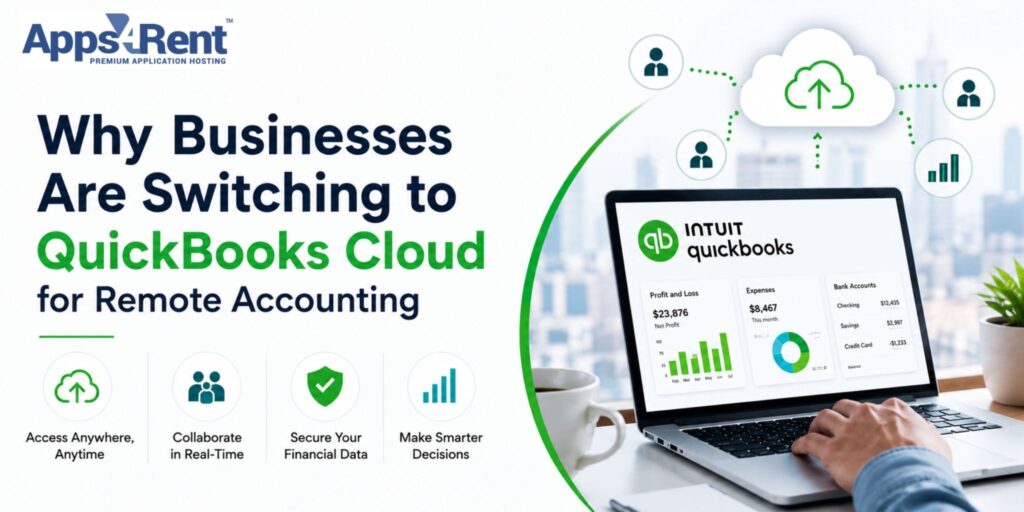
Many businesses now work from different locations. Teams no longer sit in one office all the time. This shift has changed how companies manage their finances. You need tools that work well from anywhere. That is why many businesses choose QuickBooks cloud for remote accounting. It helps you access data, track money, and manage tasks with ease. You do not depend on one device or location. This makes your work smoother and faster. It also helps your team stay connected and informed. As a result, more businesses now move to cloud-based accounting systems.
Top 10 Reasons Why Businesses Are Switching to QuickBooks Cloud for Remote Accounting
Businesses want tools that are simple and reliable. QuickBooks cloud helps you manage accounts without limits. It supports remote work and keeps your data easily accessible. Here are the top reasons why many businesses are making this switch.
1. Access Your Data Anytime
You can work from home, the office, or while traveling. You do not need to stay in one place to check your accounts. This gives you more control over your business tasks. It also saves time during busy days.
Here is what makes this possible:
- Log in from any device with internet
- No need for manual data transfer
- Real-time access to financial data
You can check reports quickly without delays. Your team can also work without waiting for files. This makes your workflow faster and smoother.
2. Better Team Collaboration
Your team may work from different locations. You need a system where everyone can stay on the same page. QuickBooks cloud makes teamwork simple and clear. It helps avoid confusion and delays.
Here is how it supports your team:
- Multiple users can work at the same time
- Easy sharing of files and updates
- Clear role-based access
Your team can track tasks without sending many emails. This keeps work organized. It also improves communication between team members.
3. Data Security and Backup
Keeping your financial data safe is very important. You cannot risk losing important records. QuickBooks cloud keeps your data protected at all times. It also saves your data regularly.
Here is how your data stays safe:
- Automatic backups
- Secure login systems
- Protection from data loss
You do not need to worry about system crashes. Your data stays safe even during unexpected issues. This gives you peace of mind.
4. Easy Scalability
Your business may grow over time. Your accounting system should support that growth. QuickBooks cloud lets you scale without stress. You can adjust it as your needs change.
Here is how it supports growth:
- Add more users easily
- Upgrade plans as needed
- Manage larger data without issues
You do not need to switch systems again. It grows with your business. This saves time and effort in the long run.
5. Cost Savings
Running a business comes with many expenses. You want to reduce costs where possible. QuickBooks helps you save money in many ways. It removes the need for extra setup.
Here is how it reduces costs:
- No need for physical servers
- Lower IT maintenance costs
- Pay only for what you use
You spend less on hardware and support. This helps you manage your budget better. It also frees up funds for other needs.
6. Automatic Updates
Software updates can take time and effort. You may miss updates if you use manual systems. QuickBooks handles updates for you. This keeps your system current.
Here is how updates work:
- Updates run automatically
- No manual installation needed
- Always use the latest version
You do not face downtime for updates. Your system stays ready to use. This helps avoid delays in your work.
7. Better Integration with Tools
You may use other tools for your business. Your accounting system should connect with them. QuickBooks supports many integrations. This makes your work easier.
Here is what you can connect:
- Payment systems
- CRM tools
- Payroll software
You can manage tasks from one place. This reduces manual work. It also improves your overall workflow.
8. Real-Time Insights
You need to make decisions quickly. For that, you need clear and current data. QuickBooks cloud gives you real-time reports. This helps you stay informed.
Here is what you can track:
- Cash flow
- Expenses
- Profit and loss
You can make better decisions with updated data. This helps you plan ahead. It also reduces guesswork.
9. Remote Work Support
Remote work is now common in many businesses. You need tools that support this change. QuickBooks works well for remote teams. It keeps everyone connected.
Here is how it supports remote work:
- Access from any location
- Easy file sharing
- Smooth team coordination
Your team can work without location limits. This keeps your business running smoothly. It also improves productivity.
10. Simple Setup and Use
You do not want a system that is hard to use. QuickBooks is simple and easy to manage. You can start using it without much training. This saves time.
Here is why it is easy to use:
- User-friendly interface
- Quick setup process
- Easy navigation
You can focus on your work instead of learning complex tools. This makes your daily tasks easier. It also reduces errors.
Conclusion
QuickBooks Cloud helps you manage your accounting with ease. It supports remote work and keeps your data safe and accessible. You can save time, reduce costs, and improve teamwork. It also helps you make better decisions with real-time data. Many businesses now prefer this system for its simplicity and flexibility. If you want a reliable setup, you can consider solutions from Apps4Rent to get started smoothly.